So. Many. Apps. They kick, they cartwheel, and promise to save you money. I’ve tried several. I am a minimalist. I want the best ones, and don’t want to waste my time with the rest. But, here are the two grocery store apps I use every single week!
The TWO Free Grocery Apps You Should be Using!
Ibotta
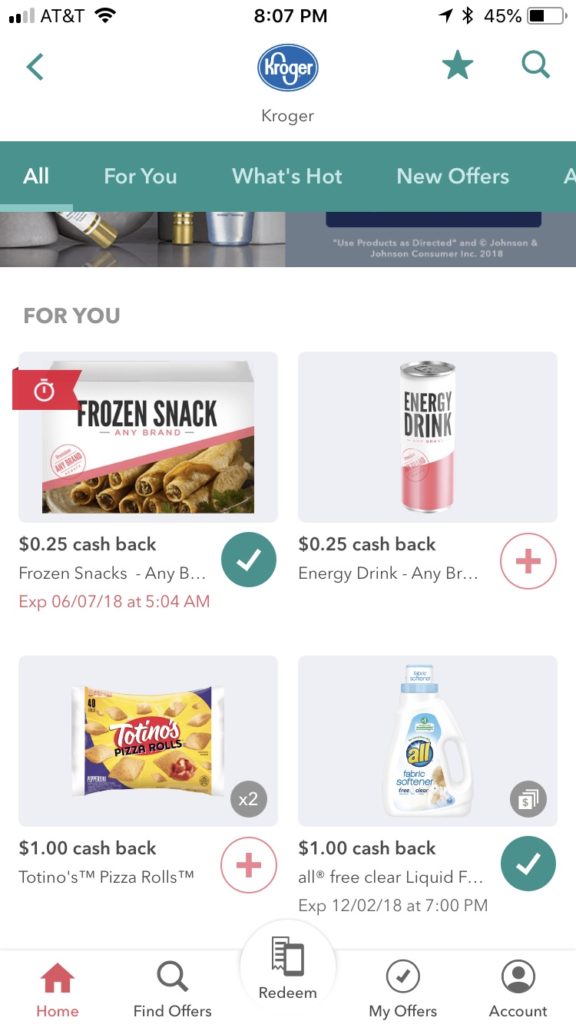
This app will have a listing of your local stores. You go and click what you have purchased, take a picture of your receipt, (or with some receipts you can scan the QR code), and they give you cash in your account!
Once you hit $20, you can cash out. You can cash out by getting it in your PayPal account and in the forms of a gift card (GC) to various stores. I personally get it in the form of Walmart GC because I can guarantee they will get used. I also like to download them into my Apple Wallet on my iPhone – it makes it super convenient.
If you sign up with my referral link and redeem within 2 weeks, you will get $10 sign on bonus!
Related Posts:
13 Ways to Make Extra Money for Christmas All Year Round
Make Extra Money with Swagbucks
5 Ways to Save Money on Groceries
Checkout 51
This is very similar to Ibotta, except you can purchase from ANY STORE! It’s the same gist – buy a participating product, take a picture of your receipt, and you will get credited. Once you hit $20, they will send you a check or do a direct deposit. (You do have to upload the receipt while the offers are live, so I do it as soon as I get home from the store.) They have new offers every Thursday morning. I love the revolving offers each week!
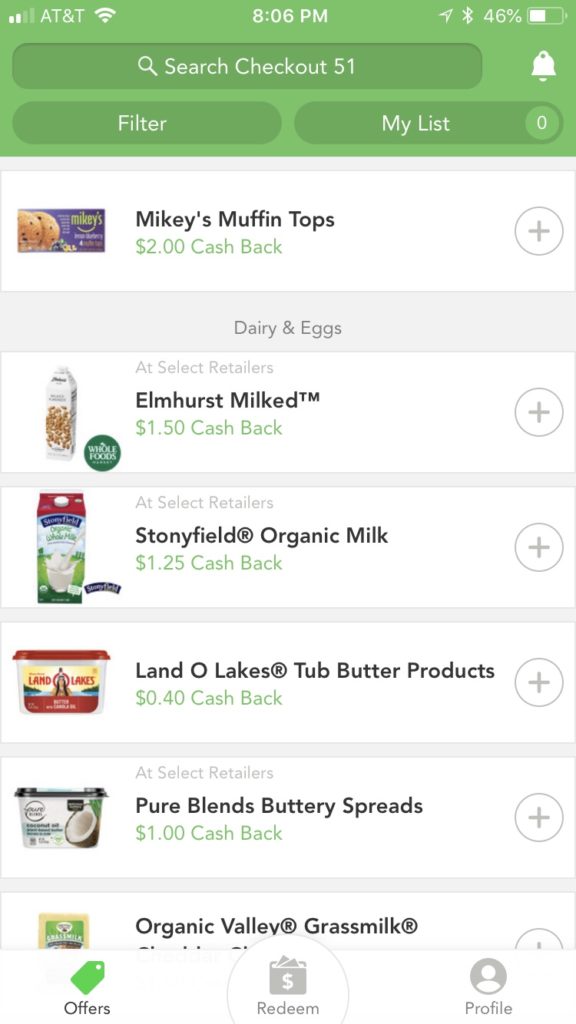
You also don’t need a smartphone with Checkout 51. You can use it from your computer, and it works just the same – take a picture and upload it.
Here’s the BEST PART of Checkout 51 — You can submit your emailed Walmart receipts from the online grocery pickup!!!
Use my referral link HERE to Checkout 51, and start saving today!!!
With these two apps, I save money every single week. They make it so easy, and easy to redeem for your check, PayPal, or GC! Don’t let money slip through your fingers!


I love using Ibotta! Thanks for sharing 😊
Nice job
I’m so glad you discovered the Checkout 51 option with screenshot Walmart receipts!
Me too Melissa! Was beyond excited to start cashing in on my Walmart grocery pickup!